


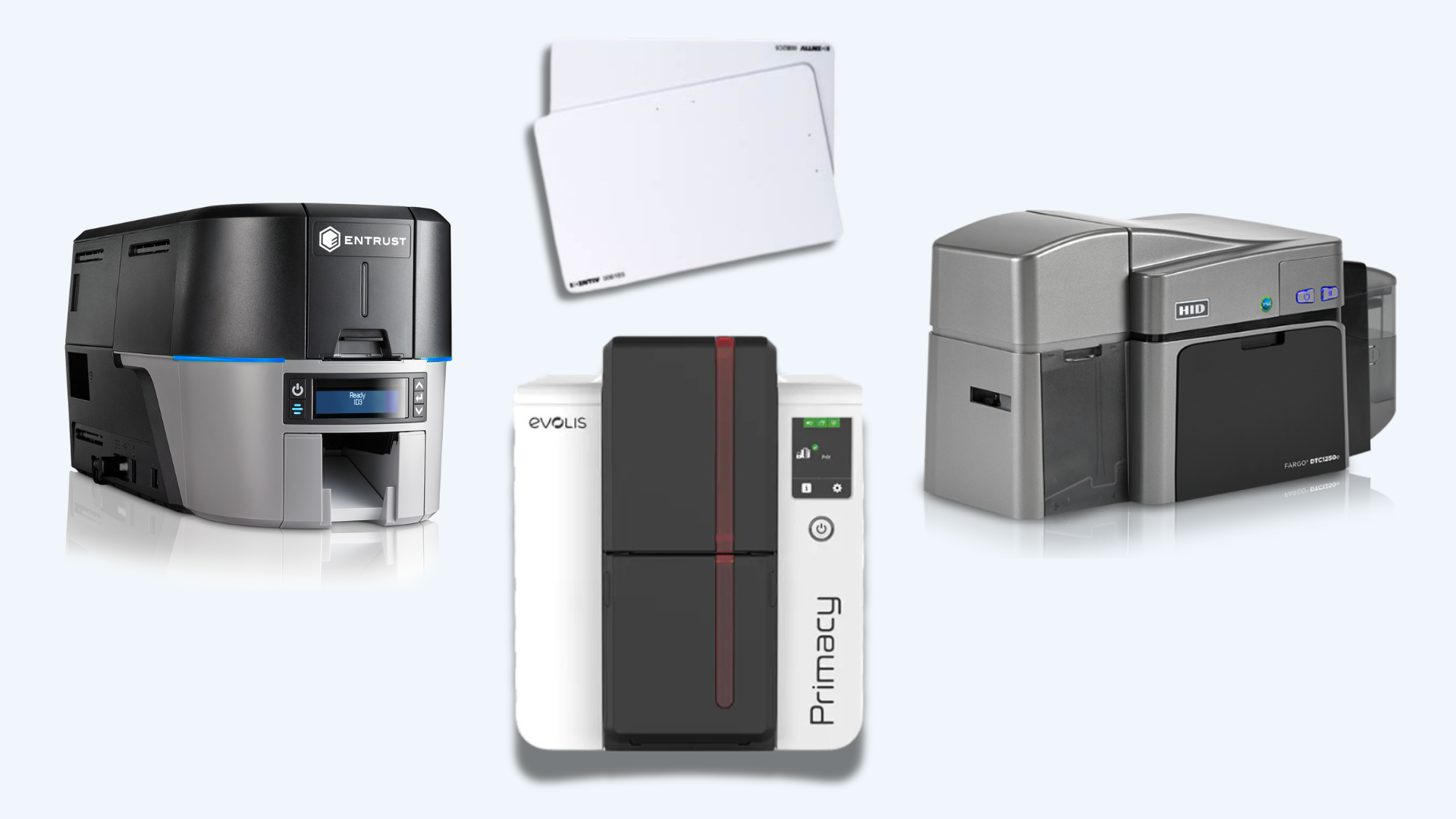
Investing in the right card printer is crucial for organizations that rely on ID cards for identification, access control, and security purposes. Over time, advancements in technology can offer improved efficiency, security features, and print quality. Here are several key considerations to help you determine when it’s time to update your card printer technology.
1. Age and Obsolescence
Hardware Lifespan:
- Manufacturer Support: Card printers, like any technology, have a finite lifespan. As printers age, manufacturers may discontinue support or availability of parts and consumables.
- Technological Advancements: Newer models often incorporate advanced features, improved print quality, and enhanced security options that older models may lack.
2. Printing Volume and Efficiency
Increased Demand:
- Scaling Needs: If your organization’s printing volume has increased significantly, upgrading to a printer with higher print speed and capacity can improve efficiency and productivity.
- Batch Printing: Modern printers may support batch printing capabilities, allowing you to print multiple cards in a single run, saving time and resources.
3. Enhanced Security Features
Security Requirements:
- Encryption and Encoding: Newer card printers may offer enhanced security features such as encryption capabilities for data protection and encoding options for smart cards.
- Anti-Counterfeiting Measures: Advanced printers often include features like UV printing, holographic overlays, or watermarking to deter counterfeiting and enhance card security.
4. Compatibility and Integration
Software Updates:
- Compatibility Issues: Updates to operating systems or card design software may render older printers incompatible or require additional workarounds.
- Integration with Systems: Newer printers may offer better integration with access control systems, allowing for seamless data exchange and automation.
5. Print Quality and Technology
Resolution and Color Accuracy:
- Higher DPI Printing: Newer models may offer higher print resolution (DPI), resulting in sharper images, text, and barcodes on ID cards.
- Color Consistency: Improved color management technology ensures consistent and vibrant color reproduction across batches of printed cards.
6. Cost Considerations
Total Cost of Ownership:
- Maintenance and Consumables: Older printers may require more frequent maintenance and replacement of parts or consumables, increasing operational costs over time.
- Energy Efficiency: Newer models often feature energy-saving options that can reduce ongoing operational expenses.
7. Compliance and Industry Standards
Regulatory Requirements:
- Industry Standards: Updates in industry regulations or standards may necessitate upgrading to ensure compliance with security and data protection requirements.
- Card Durability: Newer materials and printing technologies may offer longer-lasting cards that meet durability standards for harsh environments.
8. Technological Advancements
Innovation and Features:
- Smart Card Capabilities: Upgrading allows access to newer smart card technologies such as contactless RFID or NFC capabilities, enabling additional functionalities.
- User Interface and Ease of Use: Improved user interfaces and touchscreen displays on newer models enhance usability and simplify operation.
Contact us today
Deciding when to replace your card printer involves evaluating factors such as the age of your current equipment, printing volume, security needs, compatibility with existing systems, print quality requirements, total cost of ownership, regulatory compliance, and advancements in technology. At IDCardRepair, we offer a range of modern card printers and expert advice to help you choose the right solution for your organization’s needs. Contact us today to discuss your requirements and explore the need to replace your card printer to enhance efficiency, security, and overall performance.