


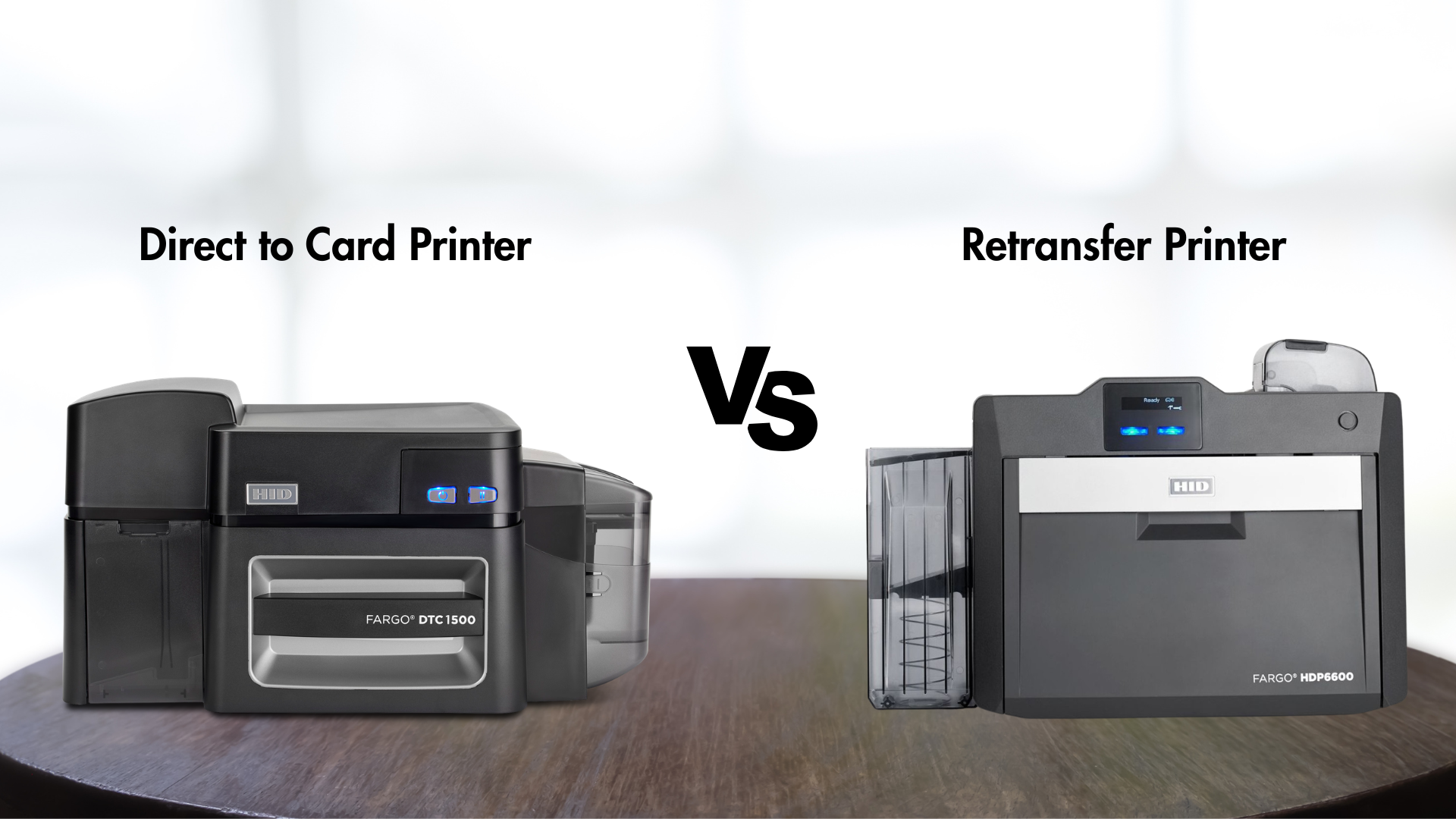
When investing in an ID card printer, one of the most important decisions you’ll make is which printing technology is right for your organization. Not all card printers work the same way, and the technology you choose affects print quality, card durability, security features, and overall cost.
The two primary card printing technologies are Direct-to-Card (DTC) and Retransfer (Reverse Transfer). Here’s how to decide which one fits your needs.
Direct-to-Card (DTC) Printing

How it works: Direct-to-card printers print images and text directly onto the surface of the PVC card using a dye-sublimation printhead and ribbon.
Best For:
- Schools
- Small to mid-size businesses
- Membership and loyalty cards
- Visitor badges
- Basic employee ID cards
Advantages
- Lower upfront cost – DTC printers are generally more budget-friendly.
- Faster print speeds – Ideal for everyday badge production.
- Simple operation – Easy to load and maintain.
- Compact size – Fits well in offices and front desks.
Considerations
- Not true edge-to-edge – A thin white border may remain around the card.
- Surface-sensitive – Works best on smooth PVC cards.
- Less forgiving with uneven cards (smart cards, proximity cards).
Bottom line: DTC is a great choice for standard ID programs where cost-efficiency and speed matter most.
Retransfer (Reverse Transfer) Printing

How it works: Retransfer printers first print the image onto a clear transfer film, then heat and fuse that film onto the card surface.
Best For:
- Healthcare and hospitals
- Government agencies
- Corporations with higher security needs
- Cards with embedded chips or antennas
- Long-lasting, high-quality credentials
Advantages
- True edge-to-edge printing – No white borders.
- Superior image quality – Sharper text, richer colors, better photo detail.
- Handles uneven surfaces – Perfect for smart cards and technology cards.
- More durable cards – Film layer adds protection.
Considerations
- Higher cost – Both the printer and supplies cost more.
- Slightly slower – Extra transfer step adds time.
- Larger footprint – Some models take up more space.
Bottom line: Retransfer is ideal when image quality, durability, and security are top priorities.
What About Security Features?
Your printing technology also impacts how easily you can add security elements.
| Feature | DTC | Retransfer |
|---|---|---|
| UV printing | ✔ | ✔ |
| Holographic laminates | ✔ (with module) | ✔ |
| Edge-to-edge security design | Limited | Excellent |
| Smart card compatibility | Moderate | Excellent |
If you’re issuing long-term employee badges, healthcare IDs, or high-security credentials, retransfer printing typically offers stronger protection.
Cost vs. Value
| Factor | Direct-to-Card | Retransfer |
|---|---|---|
| Initial cost | Lower | Higher |
| Supply cost | Lower | Higher |
| Card lifespan | Moderate | Longer |
| Print quality | Very good | Excellent |
Think of it this way:
- DTC = Practical & economical
- Retransfer = Premium & professional
So… Which Should You Choose?
Choose Direct-to-Card if you:
- Need everyday ID badges
- Are budget-conscious
- Don’t require high-end visuals
- Print on standard PVC cards
Choose Retransfer if you:
- Need top-tier image quality
- Print smart cards or tech cards
- Want longer-lasting credentials
- Have stricter security or branding requirements
Contact us Today
There’s no one-size-fits-all answer. The right card printing technology depends on:
- How long cards need to last
- What security features you require
- The type of cards you’re printing
- Your budget
Choosing the right technology upfront helps you avoid reprints, improve card quality, and ensure your system supports your long-term goals.
Not sure which option fits your organization best? We can help you evaluate your needs, compare technologies, and select a card printing solution that delivers the right balance of quality, durability, and cost.
Contact us today to speak with an expert and find the best solution for your program.