


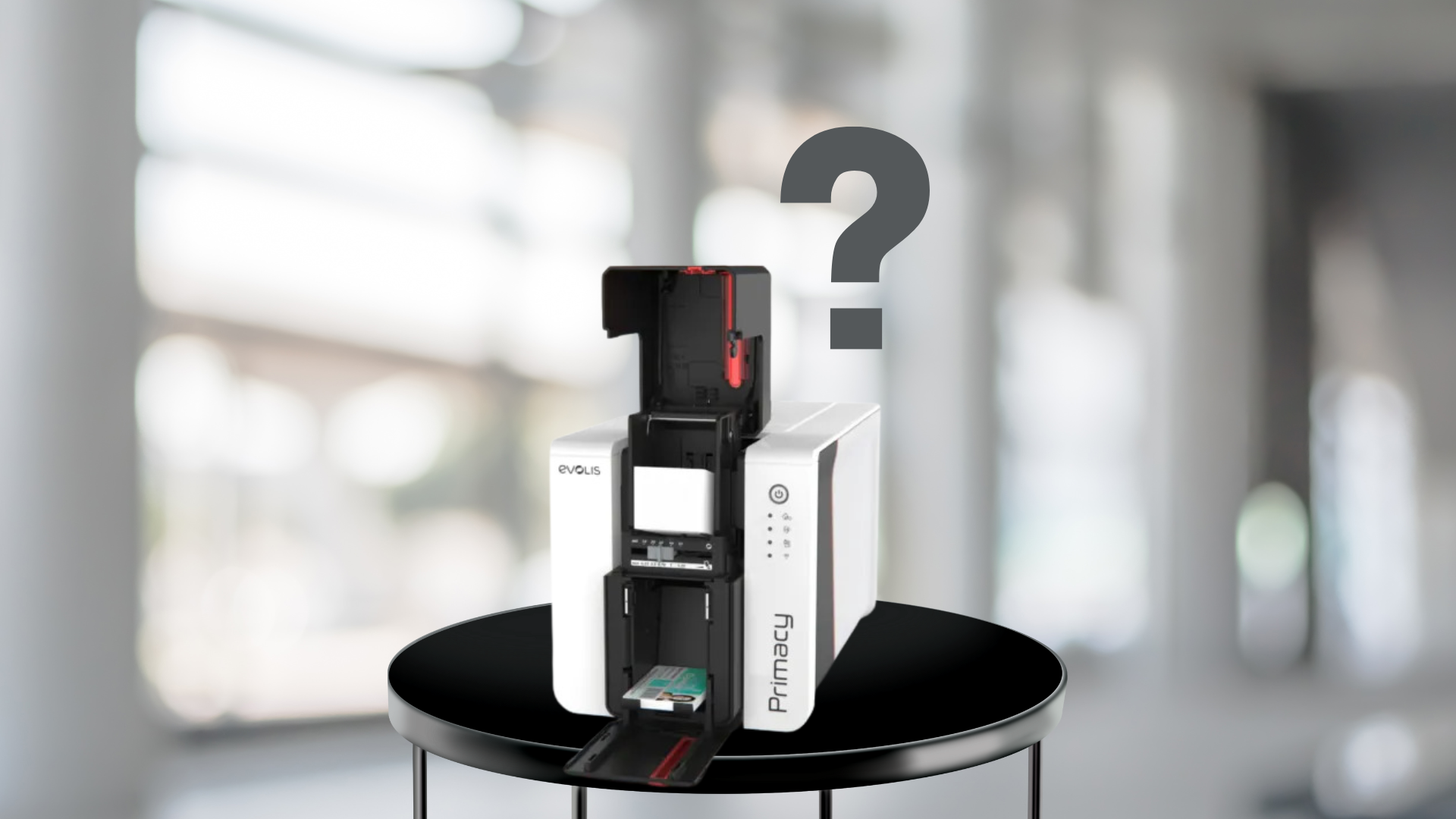
An ID card printer is an essential piece of equipment for organizations that issue badges for employees, students, visitors, or contractors. When everything runs smoothly, it’s easy to take the printer for granted—until it suddenly pauses in the middle of a print job. Few things are more frustrating than having your ID card printer freeze while producing cards, especially when you’re working on a deadline.
If your ID card printer keeps pausing mid-job, it’s usually a sign of an underlying issue. Fortunately, most causes are minor and can be fixed with simple adjustments or maintenance.
Common Reasons ID Card Printers Pause Mid-Job
1. Data Transfer or Connection Issues
Slow or unstable data transfer is one of the most common reasons ID card printers pause. Large image files, detailed badge designs, or an unreliable USB/network connection can interrupt the flow of data to the printer.
Solution:
- Use a high-quality USB cable or a stable network connection.
- Make sure the printer driver and firmware are up to date.
- Simplify card designs or reduce image file sizes when possible.
2. Ribbon Sensor or Supply Detection Problems
ID card printers rely on sensors to detect ribbons, films, and laminates. If the sensor can’t properly detect the ribbon—due to incorrect installation, a dirty sensor, or an incompatible ribbon—the printer may pause mid-job.
Solution:
- Reinstall the ribbon correctly.
- Clean the ribbon sensor with a manufacturer-recommended cleaning kit.
- Always use genuine, compatible ribbons and supplies designed for your printer model.
3. Overheating or Printhead Protection
During large print runs, ID card printers generate heat as the printhead transfers images to the card surface. If the system senses overheating, it may automatically pause to protect the printhead.
Solution:
- Break large print jobs into smaller batches.
- Place the printer in a well-ventilated location.
- Perform regular cleaning to keep internal components free from dust buildup.
4. Card Feeding or Alignment Issues
If cards aren’t feeding smoothly, your ID card printer may pause to attempt realignment. Dust, static, or incorrect card thickness settings often cause misfeeds.
Solution:
- Confirm card thickness settings match the cards in use.
- Store cards in a clean, dust-free environment.
- Clean rollers and feeding paths regularly to prevent jams.
5. Software and Driver Conflicts
Outdated or mismatched drivers can cause an ID card printer to misinterpret commands, resulting in pauses or freezes.
Solution:
- Update your printer drivers and firmware.
- Restart both the printer and the computer before sending jobs.
- If using a network printer, verify that the IP address and software settings are correct.
6. Memory or Buffer Limitations
Some ID card printers have limited memory buffers. Large, full-color, or dual-sided designs may overwhelm the buffer, causing the printer to pause until it can process the data.
Solution:
- Simplify badge designs where possible.
- Check if your printer supports memory upgrades.
- Send large print jobs in smaller batches.
Preventing Future Interruptions
To keep your ID card printer running smoothly:
- Perform regular cleaning and maintenance.
- Always use the correct cards, ribbons, and laminates.
- Keep drivers and firmware up to date.
- Train staff on proper card loading and orientation.
Contact us today
A paused print job can slow down your workflow, but the root cause is usually minor and easy to fix. Whether it’s a connection issue, ribbon detection error, or card feeding problem, identifying and addressing the issue helps ensure your ID card printer remains reliable. With proactive maintenance and high-quality supplies, you can minimize interruptions and keep your ID program running efficiently. Contact us today to speak with a expert if you need help or have more questions about your ID Card Printer.