


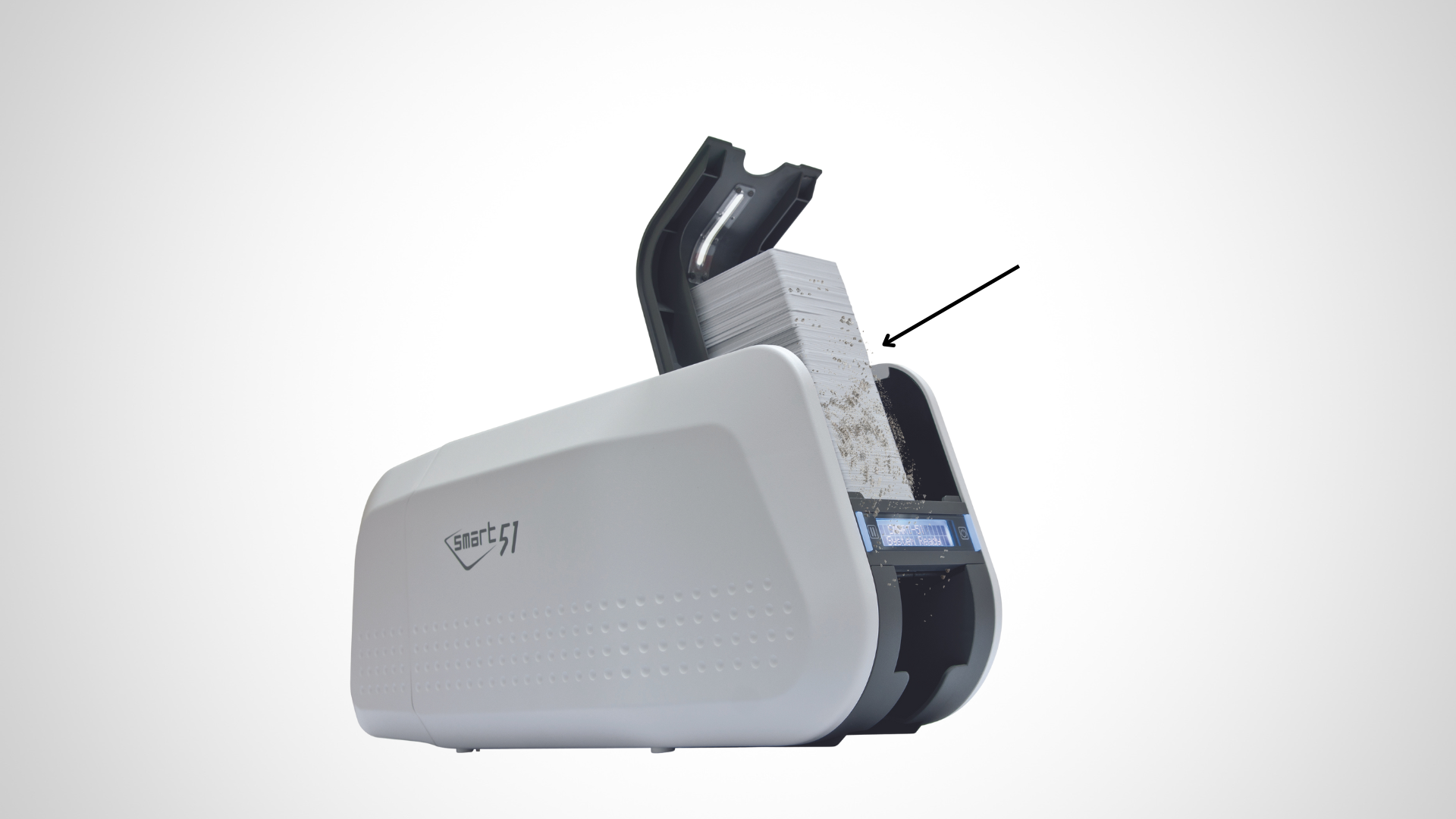
ID card printers are finely tuned machines built to deliver sharp, professional results. But like any precision device, they’re vulnerable to environmental factors—especially dust and debris. If left unchecked, even tiny particles can disrupt performance, reduce print quality, and cause long-term damage to sensitive components.
Whether your printer runs occasionally or handles hundreds of badges a day, keeping it clean is key to protecting both your investment and your output.
Why Dust and Debris Matter More Than You Think
It doesn’t take much buildup to cause serious problems. Common issues include:
- Blurry or streaky prints – Dust particles interfere with clean transfers.
- Frequent card jams – Dirty rollers can stop cards from feeding correctly.
- Ribbon tears – Contamination can snag or shred the ribbon.
- Printhead scratches – The most costly issue, as even tiny debris can damage this critical part.
The upside? With regular care and smart habits, you can avoid nearly all of these issues.
1. Keep the Printer Covered
When not in use, always cover your printer. Most models ship with a dust cover, but if yours didn’t, it’s worth buying one. Even in clean offices, particles from HVAC vents, hallways, and nearby equipment can settle inside your printer when it sits uncovered.
2. Choose the Right Location
Printers thrive in clean, stable environments. Avoid setting them up near:
- Open windows or doors
- Break rooms or kitchens
- Construction areas or heavy foot traffic
Instead, place your printer on a sturdy table in a temperature-controlled, dust-free room.
3. Clean Regularly
Manufacturers recommend cleaning every 1,000 cards or at least once a month. Use only approved cleaning kits designed for your printer model to safely clean:
- Rollers
- Card paths
- Printheads
- Sensor lenses
Pro tip: Never use generic household cleaners—they can cause more harm than good.
4. Store Supplies Correctly
Blank cards and ribbons shouldn’t be left exposed. Dust and residue can settle on them and transfer directly into the printer. Always:
- Keep them sealed in their original packaging
- Store in a cool, dry location
- Protect from direct sunlight and humidity
5. Wipe Cards Before Use
Even brand-new cards may carry static or fine particles from manufacturing. A quick wipe with a lint-free cloth before printing helps keep debris out of your machine.
6. Perform Routine Inspections
Set reminders to check for:
- Dust buildup in and around the printer
- Loose debris along the rollers
- Signs of wear on moving parts
Staying proactive ensures small issues don’t turn into expensive breakdowns.
7. Use High-Quality Supplies
Low-quality cards and ribbons often shed dust or leave behind residue that accelerates buildup inside the printer. Sticking to recommended supplies keeps your system running longer and with fewer issues.
Protect Your Printer Investment
A clean printer isn’t just about looks—it’s about performance, longevity, and avoiding repair bills. By controlling dust and debris, you’ll get sharper prints, fewer errors, and a machine that works reliably for years.
Need Help with Printer Maintenance?
At ID Card Repair, we specialize in keeping ID card printers at their best. From cleaning kits to service plans to expert troubleshooting, we help you maintain peak performance—whether you’re running HID Fargo, Evolis, Zebra, Magicard, or IDP Smart printers.
Contact us today to schedule a maintenance check or get the right cleaning supplies for your printer.