


When people think about ID card printing, they often focus on the obvious — sharp images, vibrant colors, and printing speed. But there’s a smaller, often-overlooked detail that can have a huge impact on your results: card thickness.
Whether you’re producing employee badges, membership IDs, or secure access credentials, the thickness of your cards can affect how well they work with your printer, how long they last, and even how reliable your printing process is over time
Understanding Card Thickness
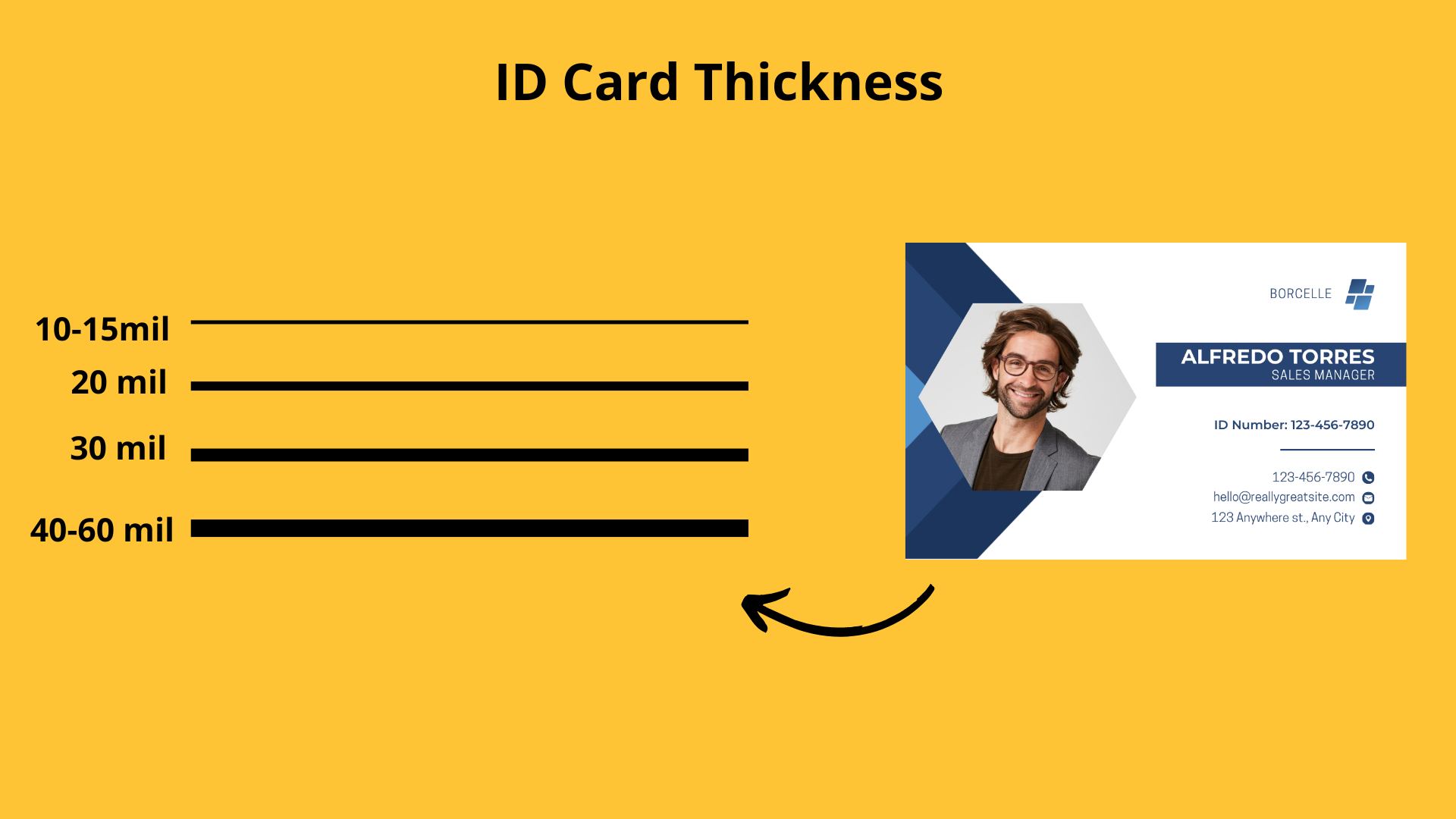
Card thickness is measured in mils, with 1 mil equal to 0.001 inches. The industry standard for most ID cards is 30 mil, the same as a standard credit card.
Here’s a quick guide to common card thicknesses and their typical uses:
- 10–15 mil: Temporary cards, event passes, or promotional key tags
- 20 mil: Light-duty cards like library or membership IDs with limited use
- 30 mil: Standard photo IDs, employee badges, student cards, and access credentials
- 40–60 mil: Heavy-duty credentials, layered security cards, or cards with embedded electronics
Why Card Thickness Impacts Your Printer Choice
Your printer is designed to work within a certain card thickness range. Using a card that’s too thick or too thin can cause issues like jams, poor image quality, or even damage to the printer. Here are a few reasons why:
- Card Feeding Mechanisms
Printers rely on rollers to move the card through the printing path. If the card isn’t the right thickness, the rollers may not grip it properly, leading to misfeeds or printing errors. - Print Quality and Ribbon Contact
The ribbon needs to make smooth, even contact with the card surface. If the thickness is off, you might see blurred text, patchy colors, or incomplete images. - Lamination Considerations
For cards that require lamination, non-standard thicknesses may need special settings or equipment. Not all printers can laminate thicker credentials effectively. - Technology Card Compatibility
Cards with embedded chips or antennas, such as proximity or smart cards, can be slightly thicker. Your printer must be compatible with these variations.
Choosing the Right Printer for Your Card Thickness
Before selecting a printer, ask yourself:
- What types of cards will you produce? Will they be temporary visitor passes, standard photo IDs, or thick access control credentials?
- Do you need flexibility? If you’ll be printing multiple thicknesses for different purposes, choose a printer with adjustable settings.
- Are your cards pre-punched or embossed? These small details can alter the card’s overall thickness, which means your printer must handle them smoothly.
- Are you using technology cards? Always confirm that your printer supports the format and thickness of these specialized cards.
Finding a Printer That Fits Your Needs
When reviewing printer specifications, check for the supported thickness range. Many printers handle 20–40 mil cards, but some higher-end models can go beyond that for specialty uses. Look for:
- Adjustable thickness settings
- Compatibility with single- and dual-sided printing on thicker cards
- Optional lamination or encoding modules
- Automatic or manual feed options for different card types
Final Thoughts
Card thickness might not be the first thing you think about when choosing an ID card printer — but it should be. Selecting a printer that’s compatible with your card stock ensures smooth operation, consistent print quality, and less downtime.
Whether you’re printing a standard 30-mil photo ID or a rugged, multi-layer access card, matching your printer to your card type is key to a successful card program.
If you’re unsure which printer is right for your card stock, contact us today and our team can help you find the perfect match — and make sure every card you print comes out flawless.