


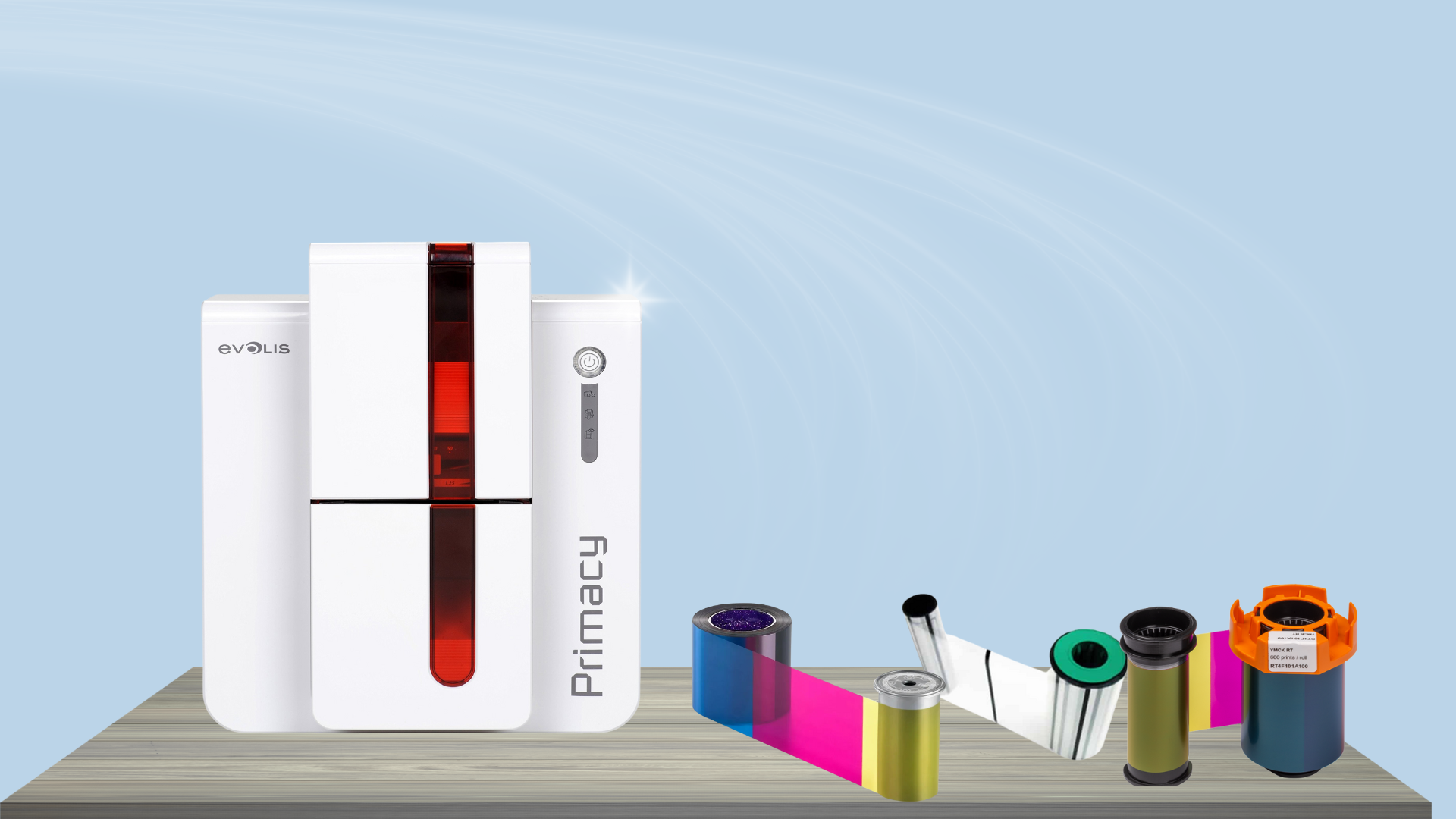
An ID card printer is a critical part of many businesses and organizations—used daily for employee badges, visitor credentials, student IDs, and more. So when your printer starts making strange or unusually loud noises, it can be both disruptive and concerning. A noisy ID card printer may signal a minor maintenance issue—or it could be a sign that something more serious needs your attention.
In this blog, we’ll go over the most common causes of loud noise in ID card printers and offer troubleshooting tips to help you diagnose and resolve the issue.
Common Causes of Loud Noises in ID Card Printers
1. Dirty or Worn Rollers
Over time, the rollers inside your printer can accumulate dust, debris, and card residue. When these rollers get dirty or worn, they may squeak, squeal, or grind as they attempt to feed the cards. This noise is often a sign that it’s time for cleaning or roller replacement.
2. Misaligned or Jammed Cards
If a card is inserted incorrectly or gets jammed during printing, the printer may struggle to move it through the system—resulting in loud clicking, grinding, or whirring noises. Always check for card jams and confirm that your cards are within the recommended thickness and quality standards.
3. Ribbon or Film Issues
A loose or misaligned ribbon, transfer film, or laminate can create noise as it moves across the card. If the ribbon is not feeding smoothly or gets caught, it may cause a popping or snapping sound. Reinstalling or replacing the ribbon may solve the issue.
4. Gears and Internal Mechanics
ID card printers are made up of numerous moving parts. If any gear becomes damaged or worn, it can cause rattling or clunking sounds. This typically requires professional repair or part replacement.
5. Incorrect Media Settings
Using the wrong card type, thickness, or media settings can stress the printer, especially if it’s trying to process material it wasn’t designed to handle. Always ensure your card stock and ribbon type match the printer’s supported media.
Troubleshooting Steps
Here are a few steps to take when your ID card printer starts making loud noises:
- Stop printing immediately. Continued use may worsen the problem.
- Check for jams. Open the card input/output hoppers and interior access panels to look for stuck cards or ribbons.
- Clean the printer. Use a manufacturer-approved cleaning kit to clean the rollers and internal mechanisms.
- Inspect the ribbon. Make sure it’s properly seated, not torn, and is feeding correctly.
- Review your print settings. Make sure they match the type of card and ribbon you’re using.
- Consult the user manual. Some noises may be normal, especially during initialization—but your manual will indicate what to expect.
- Contact a technician. If cleaning and resetting don’t help, it may be time for professional service.
Final Thoughts
While some noise during ID card printing is normal, loud or unusual sounds usually mean something’s wrong. Addressing the issue early can help prevent further damage and keep your printing operations running smoothly. Regular maintenance and cleaning are key to avoiding noise-related issues in the future.
If your ID card printer is consistently making loud noises, don’t ignore it. Contact our service team for expert diagnosis and repair—we’re here to help keep your printer quiet and productive.