


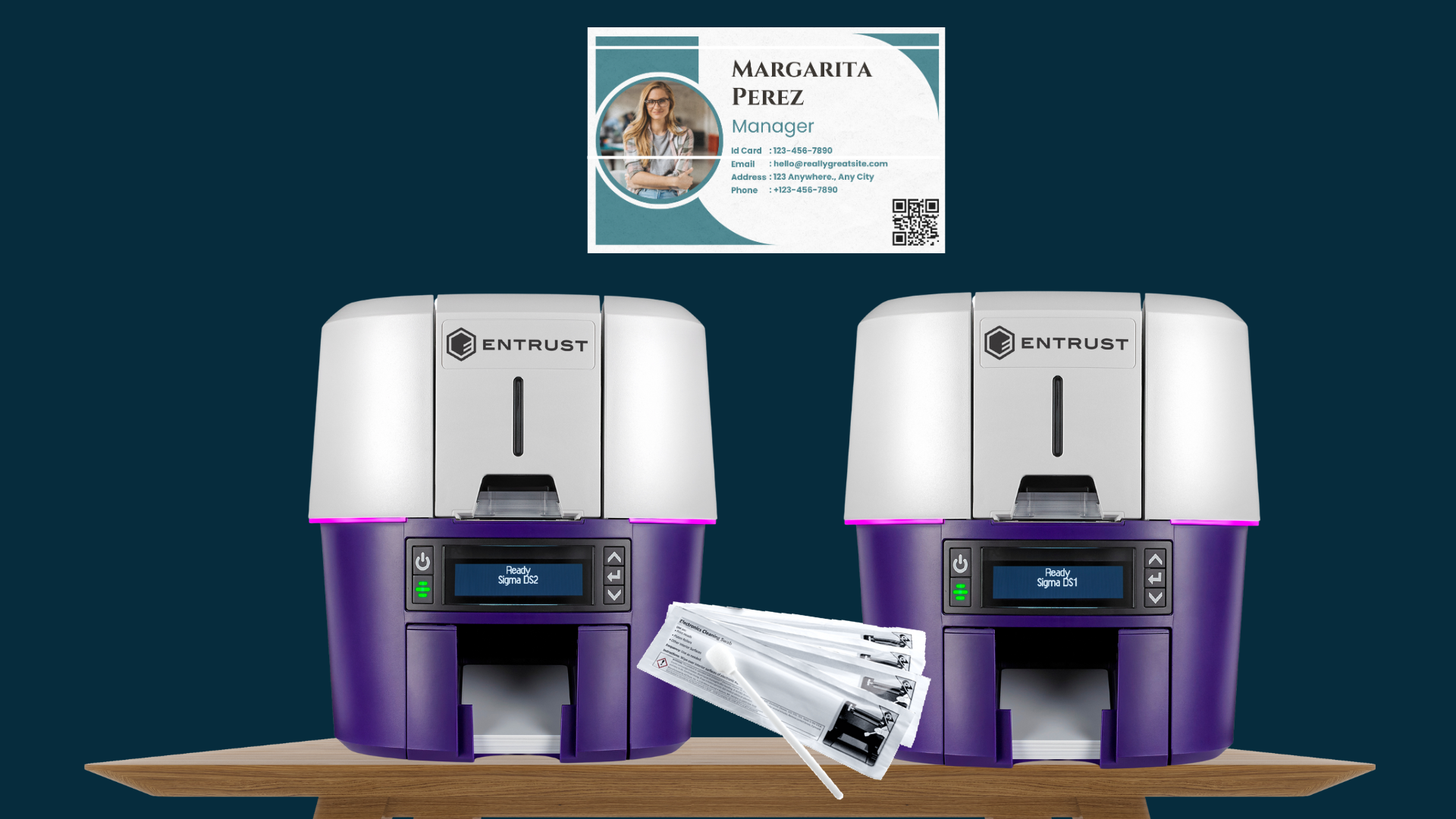
Entrust Sigma printers—DS1, DS2, and DS3—are designed with durability and user-friendliness in mind. One of the thoughtful features included by Entrust’s engineers is the printhead protector, which shields the printhead during both printing and routine maintenance. This added protection helps prevent accidental damage, but it doesn’t eliminate the need for regular cleaning.
Even in cleaner environments, dust, card debris, and ribbon residue can build up on the printhead over time. This buildup can affect print quality and, if left unchecked, may lead to permanent damage. A key sign of a dirty or damaged printhead is a long white line running across your printed cards—this line typically appears where the printhead couldn’t transfer color properly.
To avoid these issues, we recommend cleaning the printhead after every 2,000 cards printed, or more frequently if your printer operates in a dusty or high-use environment. While Entrust does not recommend routine cleaning of the printhead, it is a great preventative maintenance step, as well as a solution to existing print quality concerns.
When to Clean the Printhead
If you’re seeing print quality issues—especially faint areas or horizontal white lines on printed ID cards—it’s a strong indicator that your printhead needs cleaning. In many cases, cleaning it resolves the issue immediately. Other reasons include after a ribbon break occurs, as debris may have affected the printhead, and if the printhead was touched, to remove oils or residue from fingers.
Step-by-Step: How to Clean the Printhead
Follow these steps carefully to safely clean the printhead:
1. Power Off the Printer
Before performing any maintenance, always shut down the printer. This prevents electrical damage and ensures your safety.
2. Open the Printer Cover
Unlock the printer cover and lift it open. You’ll need access to the internal components where the printhead is located.
3. Use an Official Cleaning Swab
Open a new, unused cleaning swab provided by Entrust or recommended for use with your printer model. These swabs are pre-saturated with a solution designed to safely clean sensitive components.
4. Lift the Printhead Protector
Entrust’s Sigma printers include a protective cover over the printhead. Use the side tabs to gently rotate this protector away from the printhead. This will expose the edge of the printhead for cleaning.
5. Clean the Printhead Edge
Using gentle but steady pressure, move the swab back and forth across the full length of the printhead. You’re removing any dust, adhesive residue, or ink buildup that may have accumulated. Continue until the edge appears clean and residue-free.
6. Close the Printer Cover
Once finished, rotate the printhead protector back into place. Then close the printer cover and press down firmly on the front ridges to ensure it clicks securely into place on both sides.
7. Power the Printer Back On
Turn the printer on again. To confirm the cleaning was successful, run a test print or sample card to check for any remaining print defects.
Helpful Tips to Avoid Printhead Damage
To extend the life of your printer and its printhead, follow these best practices:
- Avoid Touching the Printhead with Your Fingers: Skin oils can transfer to the printhead, creating a layer of residue that builds up over time and interferes with print quality.
- Use Only the Recommended Cleaning Swabs: Other materials—like tissues, paper towels, or generic wipes—can leave fibers or scratch the printhead surface.
- Never Reuse a Cleaning Swab: They are single-use for a reason. Reusing a swab can redeposit contaminants or scratches onto the printhead.
- Avoid Pre-Punched Cards: Cards with holes or notches can catch on the printhead and cause permanent scratches or cracks.
- Remove Jewelry When Working on the Printer: Watches, rings, and bracelets can easily bump the printhead and damage the delicate printing edge.
Still Seeing White Lines?
If the issue persists after cleaning, the printhead may be permanently damaged. While printheads are replaceable, they’re also one of the more expensive components of an ID card printer.
We’re here to help—contact us for guidance on diagnosing the issue or to order a replacement printhead if needed.