


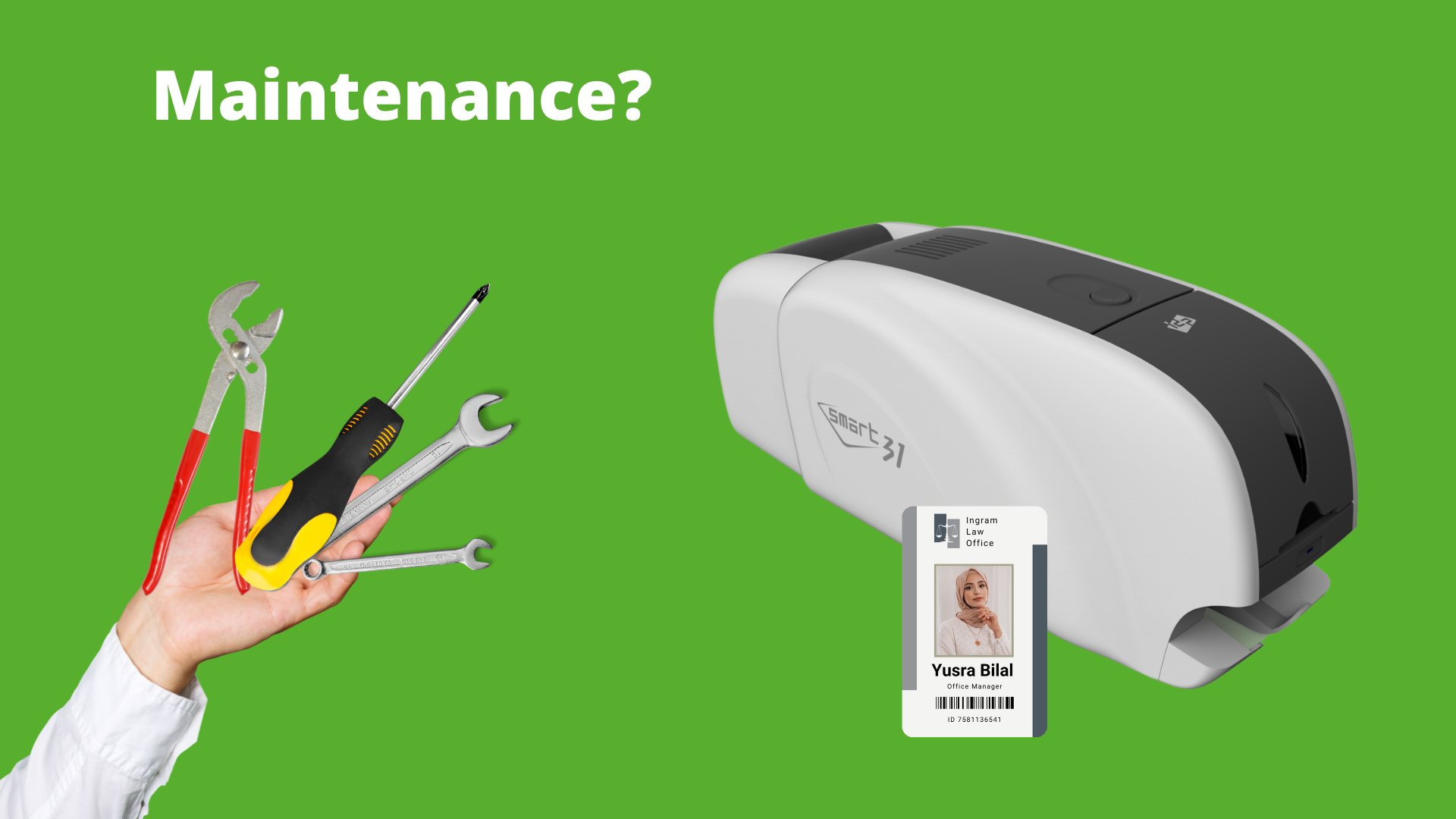
ID card printers are a reliable tool for organizations that regularly issue employee badges, student IDs, access control cards, and more. But like any machine, they need proper care to keep running smoothly. Ignoring early signs of trouble can lead to downtime, costly repairs, and interrupted card issuance.
To help you stay ahead of the curve, here are the top warning signs your ID card printer may need servicing—and what you should do about them.
1. Frequent Card Jams
If you’re constantly clearing out stuck cards, it’s a red flag. Card jams can be caused by dirty rollers, worn-out parts, or misfeeds. A one-time jam might be no big deal, but if it keeps happening, it’s time for a technician to take a look.
Tip: Make sure you’re using the correct card thickness and that your rollers are clean.
2. Faded or Poor-Quality Prints
Is your printer suddenly producing dull, streaky, or faded prints? It could mean the printhead needs cleaning or calibration. It might also indicate ribbon issues or incorrect print settings.
Watch for: Color banding, blotches, or inconsistent saturation.
3. Error Messages and Alerts
Many printers will flash warning lights or show error codes on the display when something is wrong. These messages may relate to ribbon alignment, smart card encoding failures, or sensor errors.
Action: Don’t ignore recurring errors—check the user manual or contact support for troubleshooting steps.
4. You Haven’t Cleaned It in a While
Lack of regular maintenance is one of the most common reasons printers break down. If it’s been months since your last cleaning cycle, internal dust and debris may already be affecting print quality or mechanical parts.
Solution: Use the manufacturer’s cleaning kit and follow recommended intervals (typically every 1,000 prints or monthly).
5. Ribbon Wrinkles, Tears, or Breaks
If your ribbon keeps tearing or coming out wrinkled, it might be a sign of a mechanical issue such as roller misalignment or tension problems. Don’t keep reloading a new ribbon without solving the root cause.
6. Printing Is Slower Than Usual
Notice your printer is taking longer to start or finish jobs? Lagging performance can indicate firmware issues, worn components, or internal memory problems.
7. Connectivity or Communication Errors
If your printer isn’t connecting with your computer or printing software, you could be dealing with outdated drivers, port problems, or internal hardware malfunctions.
Pro tip: Regular firmware and driver updates can help prevent this.
8. Supply Detection Problems
When your printer fails to detect new ribbons, cards, or cleaning kits, the sensors could be dirty or failing. This often shows up as a “no ribbon detected” error even when a ribbon is loaded.
When in Doubt, Call for a Checkup
If your printer is showing any of these signs and basic troubleshooting doesn’t help, it’s time to get professional servicing. Many organizations wait until the printer completely fails before getting support—don’t let that be you.
Need Help With Your Printer?
Whether it’s a HID Fargo, Evolis, Magicard, Zebra, or IDP Smart printer, we can help diagnose the issue and get your system running again. Contact us today to schedule a service check or learn more about maintenance plans.