


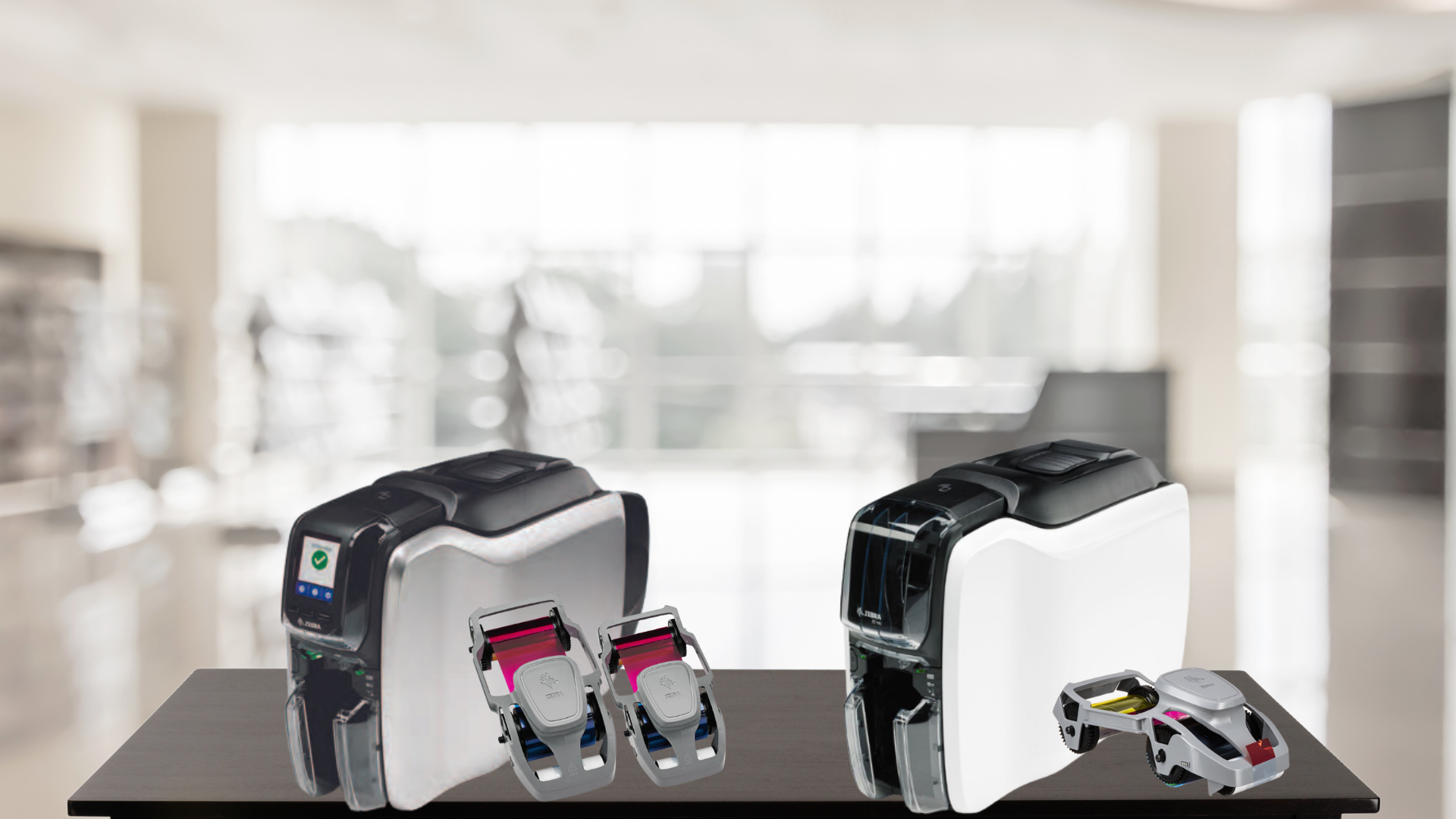
Regularly changing the ribbon on your Zebra ZC100 or ZC300 ID card printer is essential to maintain print quality and ensure smooth operation. Fortunately, the process is simple and can be done in just a few steps. Follow this guide to replace your printer ribbon quickly and correctly.
Step-by-Step Guide to Changing the Ribbon
Step 1: Prepare the New Ribbon
Before installing the new ribbon, remove it from its packaging. Carefully handle the ribbon to avoid any creases or damage.
Step 2: Remove the Cleaning Roller Cover
The ribbon cartridge comes with a built-in cleaning roller. Before installation, remove the protective cover from the cleaning roller to ensure proper function.
Step 3: Check the Ribbon for Slack
Before inserting the ribbon cartridge, gently tighten any slack in the ribbon. This will help prevent wrinkles or misalignment during printing.
Step 4: Ensure the Ribbon is Free from the Cleaning Roller
Make sure the ribbon is not sticking to the cleaning roller. If it is, gently separate them to avoid print quality issues.
Step 5: Open the Printer’s Top Cover
Lift the top cover of your Zebra ZC100 or ZC300 printer. The ribbon compartment should be easily accessible.
Step 6: Insert the Ribbon Cartridge
Carefully place the ribbon cartridge into the designated slot. The cartridge should drop into place effortlessly. Do not force it—if it doesn’t fit, check that it is positioned correctly.
Step 7: Close the Top Cover
Once the ribbon is securely in place, close the printer’s top cover. Ensure it clicks shut to confirm a secure fit.
Final Tips for Optimal Performance
- Always use genuine Zebra ribbons to maintain print quality and avoid printer damage.
- Regularly clean the printer and rollers to prevent dust buildup and ensure smooth operation.
- If you experience ribbon errors, check that the cartridge is properly seated and there is no slack in the ribbon.
By following these steps, you can easily replace the ribbon on your Zebra ZC100 or ZC300 ID card printer, keeping your prints crisp and your printer functioning efficiently.
Need assistance? Contact us for expert support and supplies!