


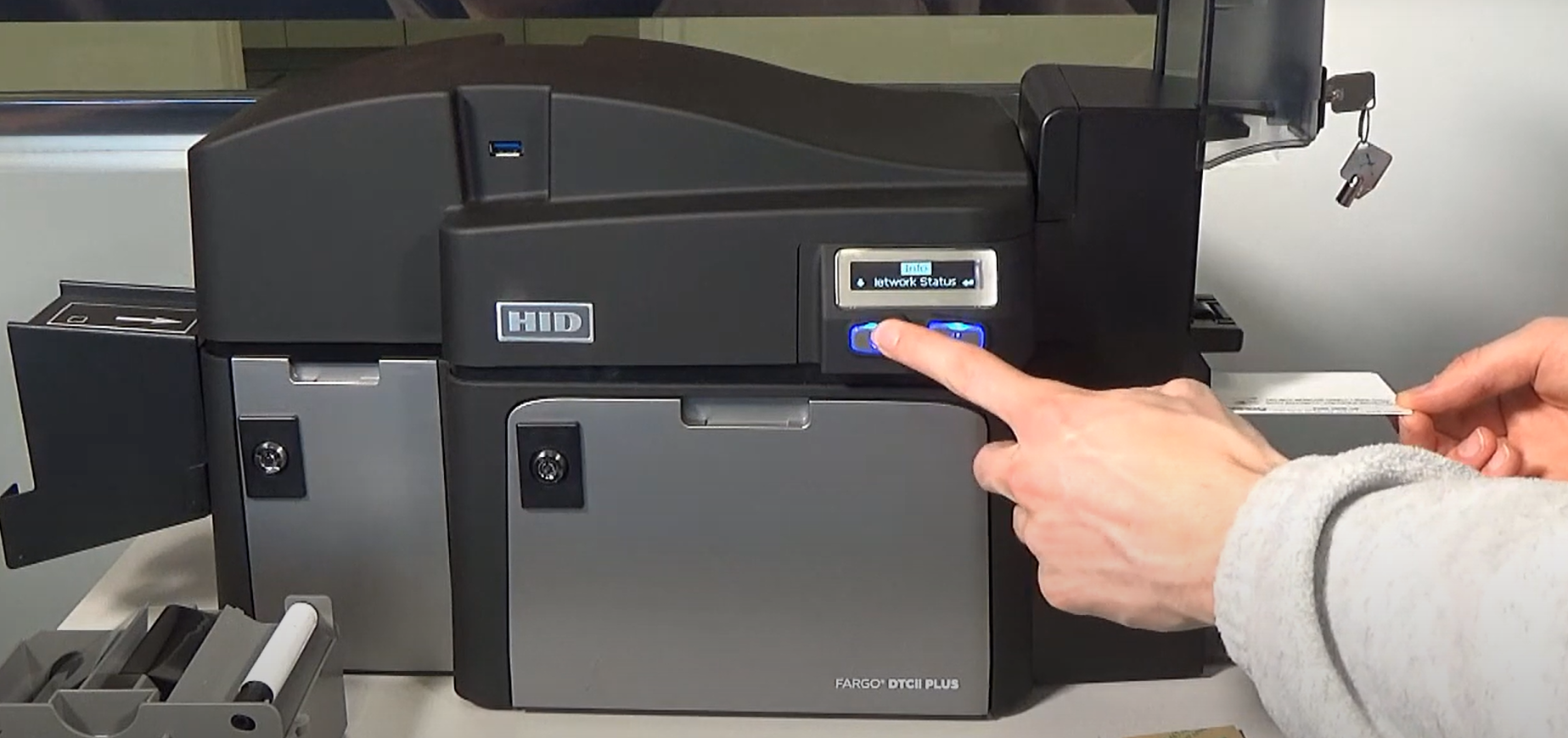
If you’re using an ID card printer for your business or personal needs, keeping the printer in top condition is crucial for ensuring the best quality prints and extending the life of your machine. One of the key maintenance tasks that can help achieve this is regular cleaning. But how often should you clean your ID card printer? In this blog, we’ll explore why cleaning is important, how often it should be done, and the best practices for keeping your printer running smoothly.
Why Is Cleaning Your ID Card Printer Important?
ID card printers work with a variety of delicate components like printheads, rollers, and ribbons. Over time, dust, debris, and ink residue can accumulate in the printer, which can lead to several issues:
- Print Quality Issues: Dirt or dust buildup on the printhead or rollers can cause blurry, uneven, or incomplete prints.
- Card Jams: Debris can get stuck in the printer’s rollers, leading to card jams and possible damage to the printer.
- Shortened Printer Life: Failure to clean your printer regularly can lead to excessive wear and tear, potentially shortening its lifespan.
- Ribbon Damage: Dust can cause your ribbons to degrade, leading to poor-quality prints and wasting material.
Keeping your ID card printer clean is essential to prevent these problems and maintain optimal performance.
How Frequently Should You Clean Your ID Card Printer?
The frequency of cleaning depends on several factors, including the printer’s usage, the environment it’s in, and the type of cards you’re printing. Here’s a general guideline on how often to clean your ID card printer:
1. Routine Cleaning – Every 500 Cards
For most ID card printers, a light cleaning is recommended every time you print around 500 cards. This is often a good baseline for routine maintenance. Routine cleaning involves wiping down the printer’s exterior, cleaning rollers, and removing any dust or dirt that may have accumulated.
2. Deep Cleaning – Every 1,500 to 3,000 Cards
A deeper cleaning should be done every 1,500 to 3,000 cards, depending on your printer model. During this type of cleaning, you will likely need to clean or replace the printer’s printhead, clean the inside of the printer with special wipes, and perform a thorough inspection of all parts, including the rollers, ribbons, and card feed mechanisms.4
3. After Every Card Jam or Print Defect
If your ID card printer experiences a card jam, print defect, or other printing issues (such as color inconsistencies or streaks), it’s important to perform a cleaning immediately. A sudden malfunction can be an indicator that debris or dirt is affecting the print process. You should clean the printer and ensure that everything is properly aligned and free from debris.
4. Environmental Factors
If your printer is located in a particularly dusty or humid environment, you may need to clean it more frequently. Dust and moisture can accelerate the buildup of dirt and grime in the printer, which can negatively affect performance. In such environments, consider increasing the cleaning frequency to prevent excessive buildup.
Key Cleaning Areas of Your ID Card Printer
When cleaning your ID card printer, focus on the following key areas:
- Printhead: Clean the printhead with a soft, lint-free cloth. Ink residue can build up, leading to poor print quality.
- Rollers: Dust and dirt can build up on the rollers, causing card jams. Clean the rollers with a cleaning card or cloth designed for ID printers.
- Card Feed Path: Use a cleaning card to remove debris from the card feed mechanism. This will help prevent card misfeeds or jams.
- Ribbon: The ribbon can pick up dust and dirt, affecting print quality. It’s a good idea to clean it periodically, especially if you notice any printing defects.
Cleaning Supplies You Need
Make sure to use the right tools when cleaning your ID card printer. The wrong materials can damage the printer components. Here are some essential cleaning supplies:
- Cleaning Cards: Specially designed cards that help remove dust and dirt from rollers and card feed mechanisms.
- Lint-Free Cloths: Soft cloths to clean sensitive areas like the printhead and exterior.
- Printhead Cleaning Swabs: Cotton swabs or wipes designed for cleaning the printhead without causing damage.
- Isopropyl Alcohol: A safe, effective cleaning solution for removing ink or debris buildup.
Contact us today
Regular cleaning of your ID card printer is an essential part of maintaining its performance and ensuring high-quality prints. While the frequency of cleaning depends on usage, it’s generally recommended to clean your printer every 500 to 3,000 prints. Additionally, always clean the printer after experiencing card jams or print defects. By following a proper cleaning schedule and using the right supplies, you can significantly extend the lifespan of your printer and avoid costly repairs or poor-quality prints.
Proper care of your ID card printer isn’t just about keeping it clean; it’s about keeping it functional, efficient, and ready to produce the high-quality cards your business or organization needs. All printer manufacturers have different recommendations on how frequently a printer should be cleaned. However, this is the general cleaning guideline for all printer brands. Contact us if you have more questions about how to clean your ID card printer.