


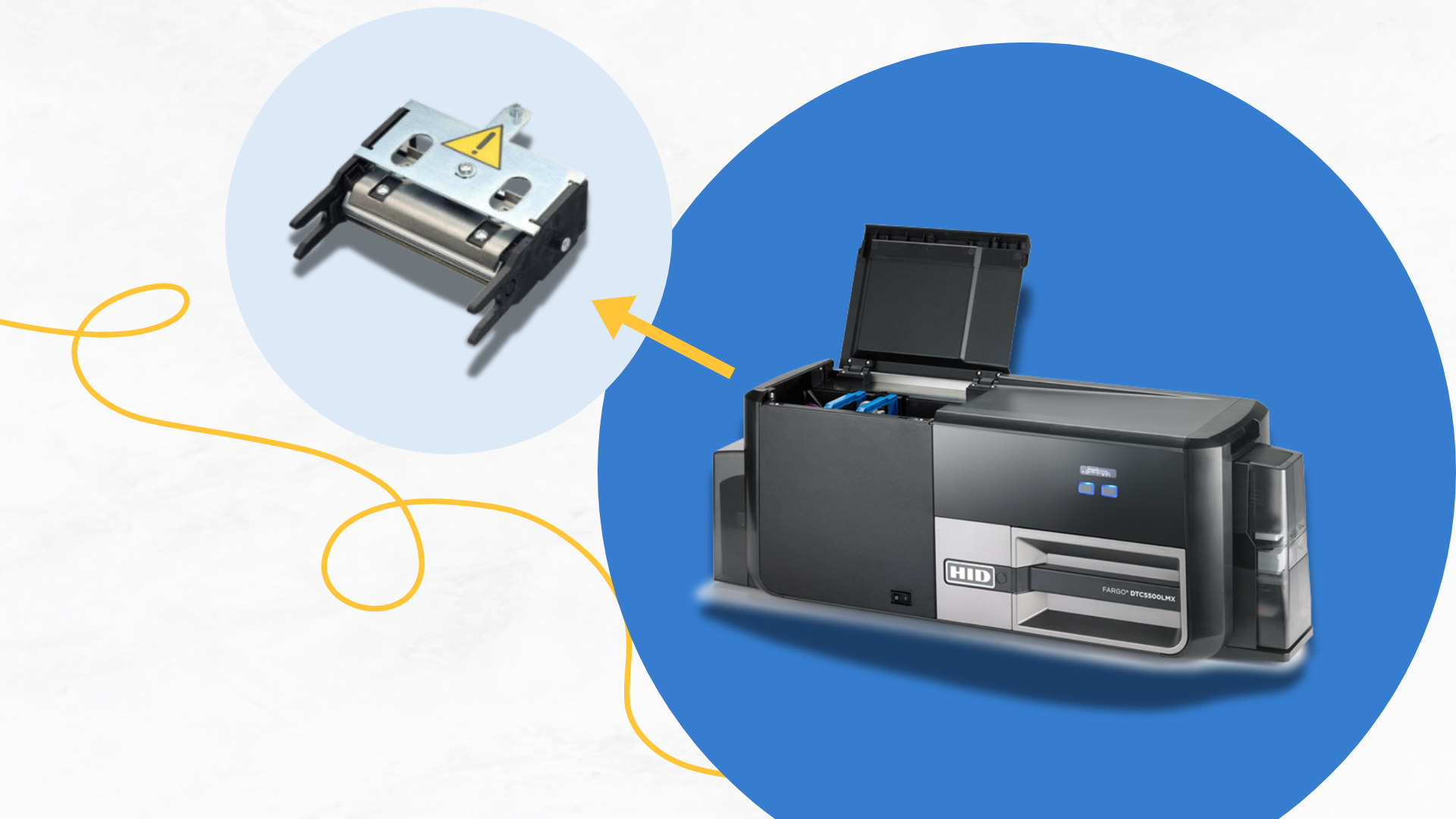
When it comes to ID card printing, the printhead is one of the most crucial components in delivering high-quality results. However, it’s also one of the most sensitive parts of the printer and can easily become compromised, leading to various issues such as streaks, lines, and inconsistent print quality. This guide will help you diagnose and repair common printhead problems, ensuring your ID card printer remains in optimal condition.
1. Understanding the Role of the Printhead
The printhead is responsible for transferring the design from the ribbon onto the card. It heats up and applies pressure to the ribbon, causing the dye to transfer in the exact pattern dictated by your design. Because the printhead operates at such a high precision, even minor issues can significantly impact the quality of your prints.
2. Common Signs of Printhead Issues
Here are some telltale signs that your printhead might be malfunctioning:
- Streaks Across the Card: Horizontal or vertical lines across the card can indicate a problem with the printhead.
- Faded or Uneven Print: If the color or image appears lighter in some areas or fades across the card, it could point to a dirty or damaged printhead.
- Missing Colors or Sections: Parts of the image or text not printing correctly, or certain colors not appearing, are often linked to the printhead.
- Error Codes: Many printers will display specific error codes when the printhead encounters issues. Refer to your printer’s manual to interpret these codes.
3. Diagnosing Printhead Issues
Before jumping into repairs, it’s essential to diagnose the problem correctly:
- Inspect the Printhead: Open the printer and carefully inspect the printhead for any visible debris, scratches, or damage. Dust, ribbon particles, or card debris can often cause printhead issues.
- Check the Ribbon: Ensure the ribbon is installed correctly and isn’t damaged or wrinkled. A misaligned or damaged ribbon can cause streaks and lines.
- Run a Test Print: Most ID card printers allow you to print a test card. This can help you identify the problem area more precisely. Look for patterns in the streaks or fading that might indicate the nature of the issue.
4. How to Repair Printhead Issues
Once you’ve diagnosed the problem, here’s how to address it:
- Cleaning the Printhead:
- Use an Approved Cleaning Kit: Most manufacturers offer cleaning kits specifically designed for their printers. These kits typically include cleaning swabs and isopropyl alcohol.
- Follow Proper Cleaning Procedures: Power off the printer and let it cool before cleaning. Gently wipe the printhead with the cleaning swab, taking care not to apply too much pressure, which could damage the printhead.
- Avoid Harsh Chemicals: Only use cleaning solutions recommended by the printer manufacturer. Harsh chemicals can damage the printhead.
- Replacing the Printhead:
- Identify the Right Replacement: If cleaning doesn’t resolve the issue, the printhead may be damaged and require replacement. Make sure you purchase the correct printhead for your specific printer model.
- Installation: Follow the manufacturer’s instructions for replacing the printhead. This usually involves disconnecting the old printhead and connecting the new one. Ensure that the new printhead is aligned correctly to avoid further issues.
- Calibration: After replacing the printhead, you may need to calibrate the printer to ensure proper alignment and print quality.
- Preventive Measures:
- Regular Cleaning: Incorporate regular cleaning of the printhead into your maintenance routine. This will help prevent buildup that can lead to streaks and lines.
- Proper Storage: Store your printer in a clean, dust-free environment. Dust and debris are common culprits in printhead issues.
- Use Quality Supplies: Always use high-quality ribbons and cards that are compatible with your printer. Low-quality or incompatible supplies can cause excessive wear on the printhead.
5. When to Seek Professional Help
If you’ve followed the above steps and your printhead issues persist, it might be time to consult a professional. Continuing to use a damaged printhead can lead to further printer damage and higher repair costs.
Contact us today
By understanding how to identify and repair printhead issues, you can maintain the quality and reliability of your ID card printer. Regular maintenance, proper handling, and timely repairs will keep your printer running smoothly and extend the life of your printhead. Remember, a well-maintained printhead not only ensures high-quality prints but also saves you time and money in the long run. Contact us for more information on how to repair your printhead if your still having issues or have any questions.