


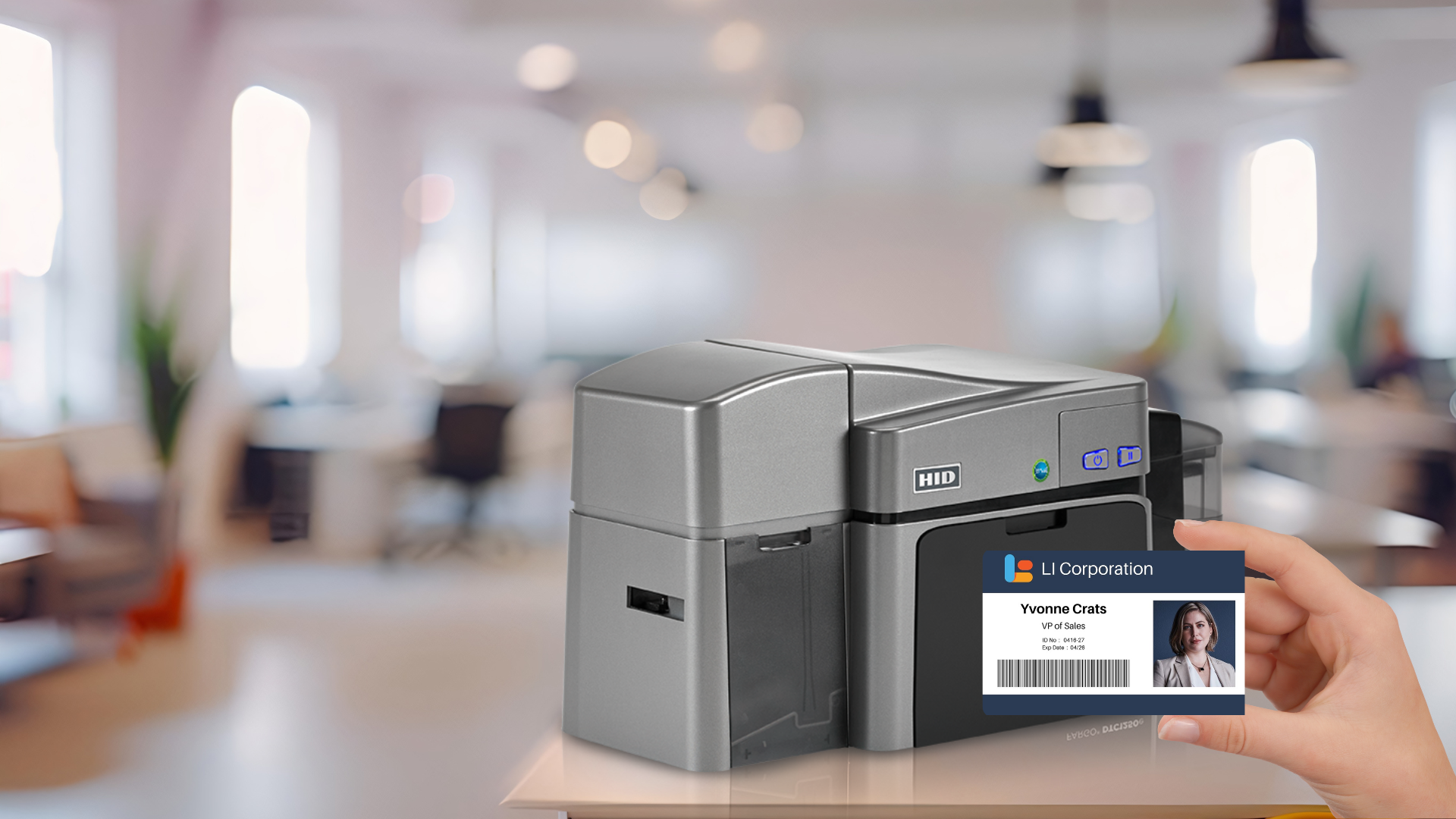
Choosing the right ID card printer is essential for your business’s security, efficiency, and overall operations. With numerous options on the market, it’s crucial to select a printer that fits your specific needs, business size, and industry requirements.
1. Understand Your Business Requirements
Business Size
- Small Businesses: For smaller companies with minimal card printing needs, an entry-level printer is ideal. These printers are cost-effective, user-friendly, and suitable for low-volume printing.
- Medium to Large Businesses: Larger organizations with higher printing demands should opt for more advanced models that offer faster print speeds, larger capacities, and extra features.
Industry-Specific Needs
- Corporate: Corporations often require durable, professional ID cards for employees, visitors, and contractors. Features like dual-sided printing and encoding for access control may be essential.
- Education: Schools and universities need ID cards for students, faculty, and staff, often requiring quick printing, photo capture, and encoding for library and cafeteria access.
- Healthcare: Healthcare facilities need secure ID cards for staff, patients, and visitors, with advanced security features like holograms, UV printing, and RFID encoding.
- Government: Government agencies require highly secure ID cards with top-tier security features, high durability, and compliance with regulatory standards.
Specific Considerations
- Volume: Assess how many cards you need to print. Low-volume printers are suitable for occasional printing, while high-volume printers handle frequent, large batch printing.
- Card Durability: If your ID cards will be frequently used, consider printers that offer lamination or retransfer printing for enhanced durability.
- Security Features: Depending on your security needs, look for printers with features like holographic overlays, UV printing, and smart card encoding.
2. Types of Printers and Technologies
- Direct-to-Card (DTC) Printers: These printers print directly onto the card’s surface, making them generally more affordable and faster but not suitable for edge-to-edge printing. Best for low to medium-volume needs.
- Retransfer Printers: These printers use a clear film to transfer images onto the card, providing superior image quality, edge-to-edge printing, and better durability. Ideal for high-volume printing and high-quality images.
3. Key Features to Look For
- Encoding Capabilities: If your ID cards need to double as access control cards, payment cards, or contain other encoded data, choose printers with encoding capabilities like magnetic stripe, RFID, or smart card encoding.
- Connectivity Options: Ensure the printer offers the necessary connectivity options (USB, Ethernet, wireless) for seamless integration with your systems.
- Print Speed and Capacity: High-speed printers with larger card hoppers are crucial for high-volume printing to save time and boost efficiency.
- Software Compatibility: Make sure the printer is compatible with your ID card design and issuance software for smooth operation and easier integration into your workflow.
- Ease of Use and Maintenance: Opt for a user-friendly printer with minimal maintenance needs. Features like easy-to-load ribbons, intuitive software interfaces, and clear troubleshooting guides can save time and reduce disruptions.
4. Budget Considerations
- Initial Cost vs. Long-Term Value: While a lower initial cost might be tempting, consider the long-term value. High-quality printers may have a higher upfront cost but save money over time through durability and fewer maintenance needs.
- Total Cost of Ownership: Include the cost of consumables (ribbons, cards), maintenance, and potential repairs in your budget. A slightly more expensive printer with lower operating costs can be more cost-effective in the long run.
5. Support and Service
- Manufacturer Support: Choose a printer from a reputable manufacturer that provides strong customer support and warranty options. Reliable support can quickly resolve issues and minimize downtime.
- On-Site and Depot Service: At IDCardRepair.com, we offer both on-site and depot services to keep your printer running smoothly and address any issues promptly. Our team is dedicated to providing continuous support and maintenance.
Get in Touch
Choosing the right ID card printer requires careful consideration of your specific needs, industry requirements, and budget. By understanding these factors and the different printer technologies and features, you can make an informed decision that enhances your business’s security and efficiency.
At IDCardRepair.com, we are dedicated to offering comprehensive identification, security, and tracking solutions tailored to your needs. Our outstanding customer service, extensive product line, and unmatched expertise ensure you get the best value and performance from your ID card printer. Contact us today to learn more about our products and services, and let us help you find the perfect ID card printer for your business.