


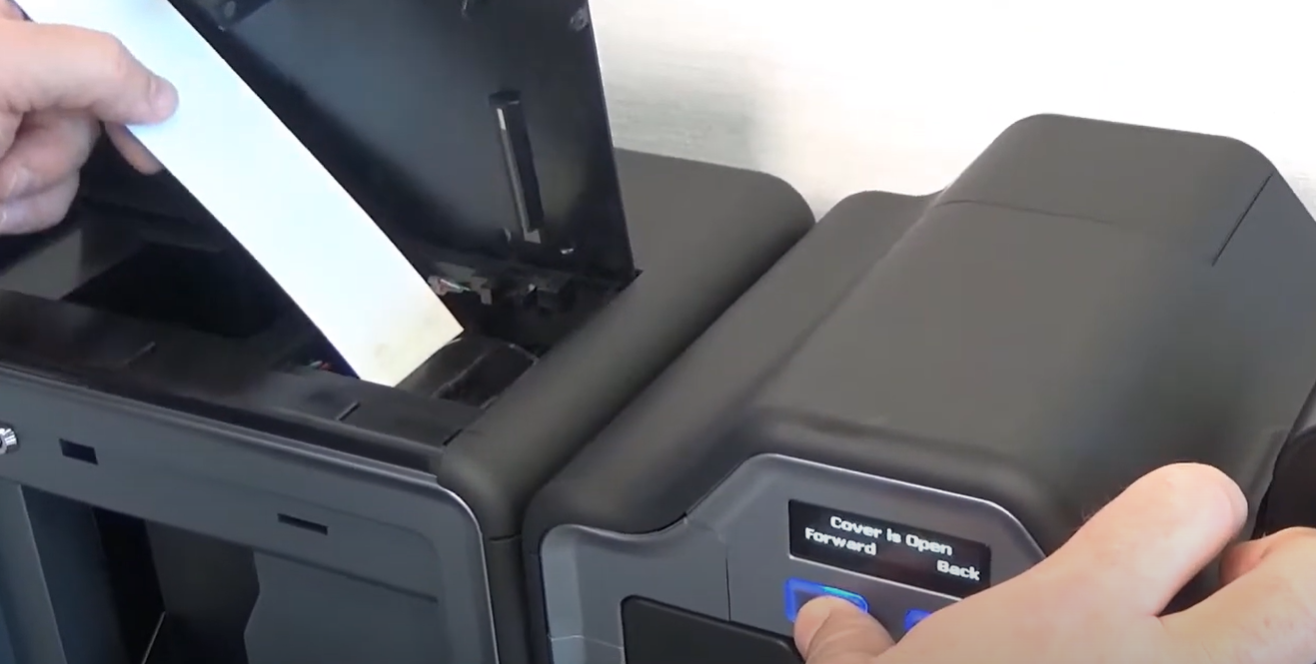
In this blog post, we will share some essential tips to help you extend the lifespan of your ID card printer. By following these guidelines, you can maximize the efficiency and durability of your equipment, saving you time and money in the long run.
1. Regular Cleaning and Maintenance
One of the most crucial aspects of keeping your ID card printer in top condition is regular cleaning and maintenance. Dust and debris can accumulate inside the printer, leading to print quality issues and mechanical problems. Here’s what you can do:
- Clean the Printer Head: Use manufacturer-recommended cleaning kits to clean the printer head regularly. This helps maintain print quality and prevents damage.
- Dust Removal: Use compressed air to remove dust and debris from the printer’s internal components.
- Roller Cleaning: Clean the card rollers to ensure smooth card feeding and prevent jams.
2. Use High-Quality Supplies
Using high-quality cards, ribbons, and cleaning supplies specifically designed for your printer model can significantly impact its performance and longevity. Generic or low-quality supplies may cause damage or reduce print quality. Always opt for genuine supplies recommended by the manufacturer.
3. Proper Card Handling
Improper handling of ID cards can lead to dirt and oils from your hands transferring to the cards, which can then be transferred to the printer. Here’s how to handle cards properly:
- Wash Your Hands: Always wash your hands before handling blank ID cards.
- Store Cards Properly: Keep blank cards in their original packaging until you’re ready to use them.
- Avoid Touching the Print Area: Handle cards by the edges to avoid fingerprints on the surface.
4. Update Firmware and Software
Manufacturers frequently release firmware and software updates to improve printer performance and fix bugs. Keeping your printer’s firmware and driver software up-to-date ensures optimal performance and compatibility with your computer systems.
5. Monitor and Adjust Print Settings
Regularly review and adjust your print settings based on the specific needs of your ID cards. Overuse of high-resolution settings when unnecessary can wear out your printer faster. Optimize settings to balance quality and printer wear:
- Adjust Print Speed: Slower speeds can enhance print quality but might not always be necessary.
- Calibrate the Printer: Regular calibration ensures accurate color reproduction and alignment.
6. Professional Maintenance and Servicing
Despite your best efforts, some maintenance tasks require a professional touch. Schedule regular servicing with certified technicians to keep your printer in peak condition. Professional technicians can:
- Perform Deep Cleaning: Access and clean parts you might not be able to reach.
- Identify and Fix Issues: Diagnose and resolve potential problems before they become significant.
- Replace Worn Parts: Ensure that any worn or damaged parts are replaced with genuine components.
7. Proper Storage and Environment
The environment where you store and use your ID card printer plays a significant role in its lifespan. Here are some tips:
- Stable Temperature and Humidity: Keep your printer in a stable environment to prevent issues caused by extreme temperatures and humidity.
- Avoid Dusty Areas: Store your printer in a clean, dust-free area.
- Proper Ventilation: Ensure the printer has adequate ventilation to prevent overheating.
Contact us today for more tips
By following these tips, you can extend the lifespan of your ID card printer and ensure it continues to produce high-quality cards efficiently. At IDCardRepair, we are dedicated to helping you maintain your equipment and provide expert repair services when needed. Contact us today for more information on how we can support your ID card printing needs.